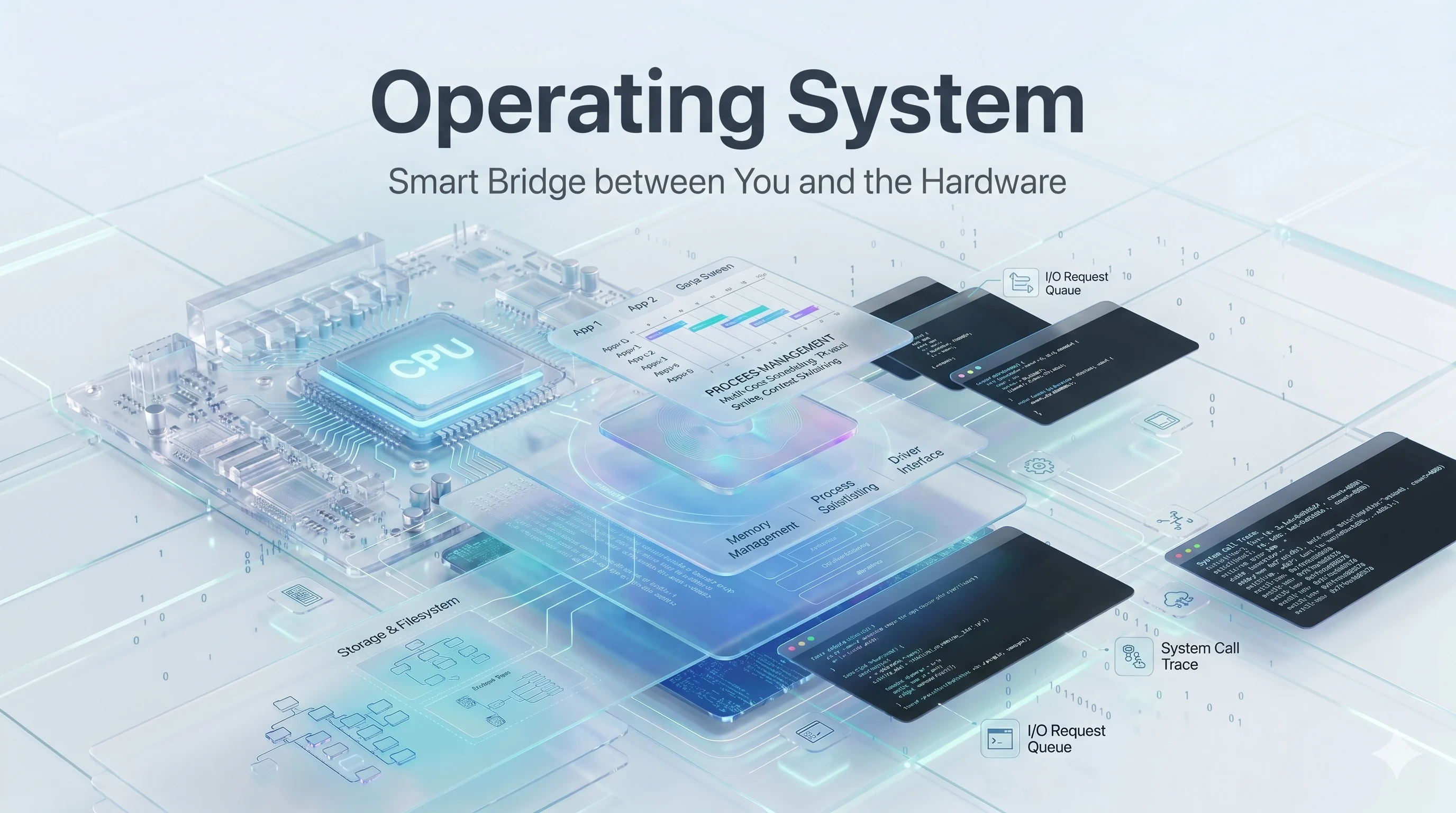
Operating System - Smart Bridge between You and the Hardware
May 17, 2026
An OS is system software that acts as an intermediary between computer hardware & user applications.
It manages hardware resources like CPU, memory, storage and peripherals while providing essential services such as process scheduling, file management & security.
-
Core Functions
OS handles key tasks including memory allocation to prevent conflicts between programs, process management to run multiple applications efficiently & device management for input-output operations. It also enforces user authentication & access controls to protect data.
-
Key Components
At its heart, an OS includes a kernel which directly interacts with hardware for low-level operations like interrupt handling and a shell, which provides user interface for executing commands. Supporting components manage fiel systems, networking & virtual memory.
Examples Windows 11 & MacOS for desktops, Linux distributions like Ubuntu for servers & developers, Android & iOS for mobiles.
Goals of OS
- OS pursue the following goals:
- convenient environment for users
- efficient resource use
-
The primary goal focuses on users convenience by offering an intuitive interface like graphical desktops/command lines that hides hardware complexities.
-
It aims to maximize hardware utilization including CPU time, memory and I/O devices to minimize idle resources and boost throughput.
-
Additional ones - Security & Scalability
OS as Resource Manager & Abstraction Layer
- An OS serves as both - a resource manager & an abstraction layer, bridging hardware complexities & software needs.
Resource Manager
- It allocates & oversees hardware resources like CPU time, memory, storage & I/O devices among competing processes to ensure efficient, fair usage without conflicts.
Abstraction Layer Role
- OS hides hardware intricacies from users & applications by presenting simplified interface such as files instead of raw disk sectors or virtual memory instead of physical RAM.
Benefits of both
- Resource management ensures controlled sharing while Abstraction simplifies interaction, allowing multitasking and user-friendly environments.
Types Of OS
-
Batch OS - collects jobs & runs them in batches with little user interaction.
-
Multiprogramming OS - keeps several programs in memory so CPU stays busy when one program waits for I/O.
-
Multitasking OS - lets one user run multiple apps at the same time.
-
Time-sharing OS - shares CPU time among many users/processes so each gets quick turn.
-
Multiprocessing - uses more than one CPU or core to execute tasks in parallel.
-
Distributed OS - makes multiple computers work like one system & share resources.
-
Network OS - manages computers connected over a network & supports shared files, security & remote access.
-
Real-time - responds within strict time limits, important for control systems & medical/industrial devices.
-
Embedded OS - designed for devices like appliances, routers & IoT systems with limited resources.
-
Mobile OS - built for smartphones & tablets such as Android & iOS.
Kernel vs User Mode
Two CPU privilege levels used by OS to separate trusted OS code from regular apps.
-
Kernel mode
- highly privileged mode where OS core runs
- direct access to hardware, memory & protected CPU instructions
- controls critical system resources
-
User mode
- restricted mode where normal apps run
- can't access hardware/protected memory directly
-
Main Difference
- access & privilege is the key difference
- kernel mode can do almost anything the hardware allows
- user mode limited for safety & stability
Example
When you open file, the app runs in user mode but OS switches to kernel mode to talk to disk & then switches back again.
That back-&-forth is how system stays both usable and protected.
System Calls
- The way a program asks OS to do something privileged on its behalf like reading file, creating process or using device.
Why exists
-
User mode can't directly access protected hardware or kernel resources, so it provide controlled bridge between user & kernel mode.
-
keeps system secure & stable.
How it works -
- program requests service
- CPU switches from user to kernel mode
- kernel performs task
- control returns to program with a result or error
Example
- Think of system call as service desk - the app asks, OS checks & perform request & then hands back the result.
APIs vs System calls
-
APIs(Application Programming Interface) are the higher-level interfaces that let programs use functions provided by library or platform.
-
System calls are low-level requests a program makes to the OS kernel for privileged services.
Main Difference
-
An API is an programming interface, so it may stay entirely in user space and can wrap one or more lower-level operations.
-
A system call crosses into kernel space & asks OS to perform work like file I/O, process creation or memory management
Relationship
- API function is just convenient wrapper -> triggers one or more system calls underneath.
Example
-
In C language, printf() is an API/library function & it may eventually use write() system call to send output to the screen.
-
API = friendly programming interface | system call = kernel service request
Boot Process
- The sequence a computer follows to start-up & load OS into memory so it becomes ready to use.
Main Steps
- Power on & firmware starts
- POST - firmware checks basic hardware
- Bootloader loads
- OS kernel loads
- System initialization
- User login
Common terms
- Cold boot - starting computers from a powered-off state
- Warm boot - restarting without fully turning off power
Simple flow
firmware checks hardware -> bootloader finds the OS -> kernel starts -> computer becomes usable
Interrupts & Traps
- They are both events that make CPU pause what it is doing and transfer control to OS but they come from different sources
Interrupts
- caused by hardware, such as keyboard, etc and happens asynchronously.
- OS handles it in kernel, services the event and then resumes interrupted program.
Traps
- Software generated event caused by currently running program because of some exceptions
- They are synchronous, so happen at specified point during program execution.
Main Difference
Interrupts usually triggered by external hardware events while traps are triggered by running program or CPU exceptions.
Relation to SysCalls
- It uses traps to move from user to kernel so OS can perform privileged service
Quick Example
- Timer fires & CPU pauses the app - that is an interrupt
- Your program divides by zero & crashes - that is trap
OS Architectures
It describes how OS is structured internally and how its components interact
-
Monolithic OS - Most OS services run in kernel space as one large block which gives high performance but harder to maintain
-
Layered OS - OS is split into layers and each layer uses services only from one below it, which improves clarity and debugging
-
Microkernel OS - Only essential functions stay in kernel
-
Modular OS - Core kernel function is kept small & extra services are loaded as modules, gives balance between performance & flexibility
-
Hybrid OS - Combine ideas from monolithic & microkernel to get both speed & modularity
Simple way to remember
Monolithic is one big hall, layered is stack of floors and microkernel is small control center with many services outside it
Thanks for reading till the end. Hope you learned something.
Do let me know about your thoughts through the email - abhimanyug987@gmail.com.